
Steam is a digital gaming platform used by millions of gamers. In this guide, we explain in detail all the basic steps from creating a Steam account to downloading and playing games.
If you are taking your first steps into the gaming world or if you come across the Steam icon when you open a computer at an internet cafe, this platform may seem complex to you. However, Steam is a comprehensive and user-friendly system designed for both beginners and professional gamers. So, what is Steam, how to install it, and how to use it? In this content, we explain step by step everything you need to know about Steam.
WHAT IS STEAM?
Steam is a digital gaming platform developed by Valve Corporation. It allows you to download and play games, connect with your friends, receive automatic updates, and much more. Active since 2003, this platform is the meeting point for over 100 million gamers.
WHAT DOES STEAM DO?
- Offers the opportunity to purchase and download digital games
- Automatically updates games
- Allows you to add friends and play games together
- Tracks in-game achievements and statistics
- Provides mod support through Steam Workshop
- Backs up game saves with Steam Cloud
- Enables you to access games at discounted prices during major sale periods
HOW TO OPEN STEAM?
- Go to store.steampowered.com
- Click on “Login” → “Join Steam” at the top right
- Enter your email address and choose a username + password
- Verify your email
- Download the Steam client and log in to your account
HOW TO INSTALL STEAM?
- Download the appropriate version for Windows/Mac/Linux from the official Steam website
- Run the installation file
- Follow the installation steps to complete
- Log in to your account from the opened window
HOW TO BUY GAMES ON STEAM?
- Go to the page of the game you want to play
- Click on the “Add to Cart” button
- Select the “Purchase for myself” option
- Complete the purchase using methods such as credit card, Steam Wallet, mobile payment
- The game will be added to your library and ready to download
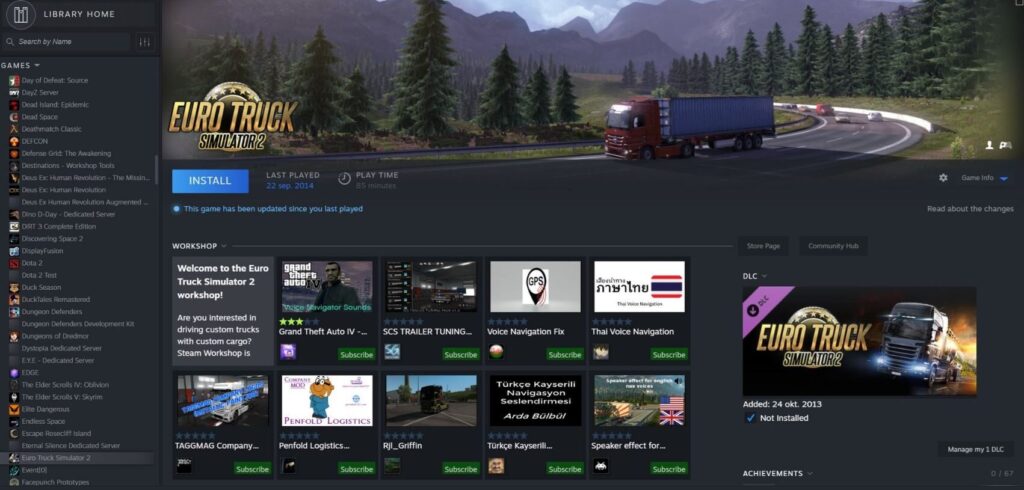
HOW TO ACCESS FREE GAMES ON STEAM?
- Click on the “Store” tab on the homepage
- Select the “Free to Play” category
- Go to the page of the game you want and click on the “Play Game” button
- The game will be added to your library and can be downloaded immediately
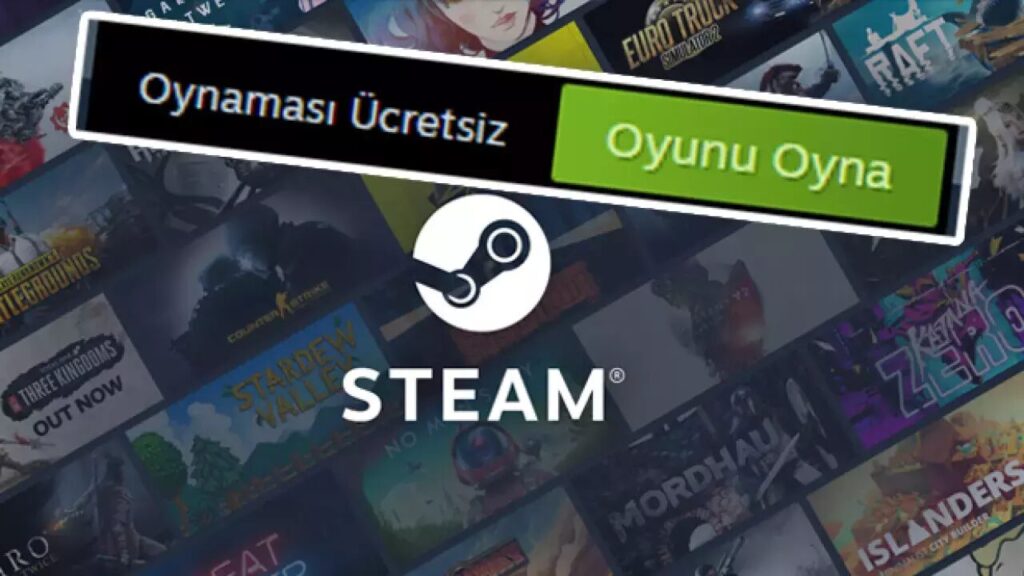
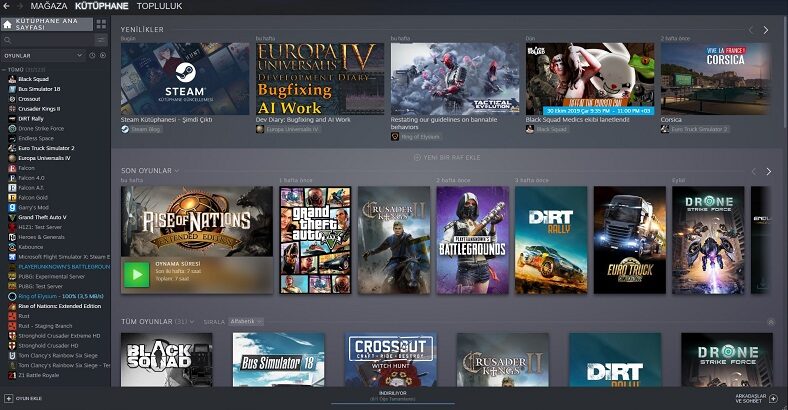
WHAT IS THE STEAM LIBRARY?
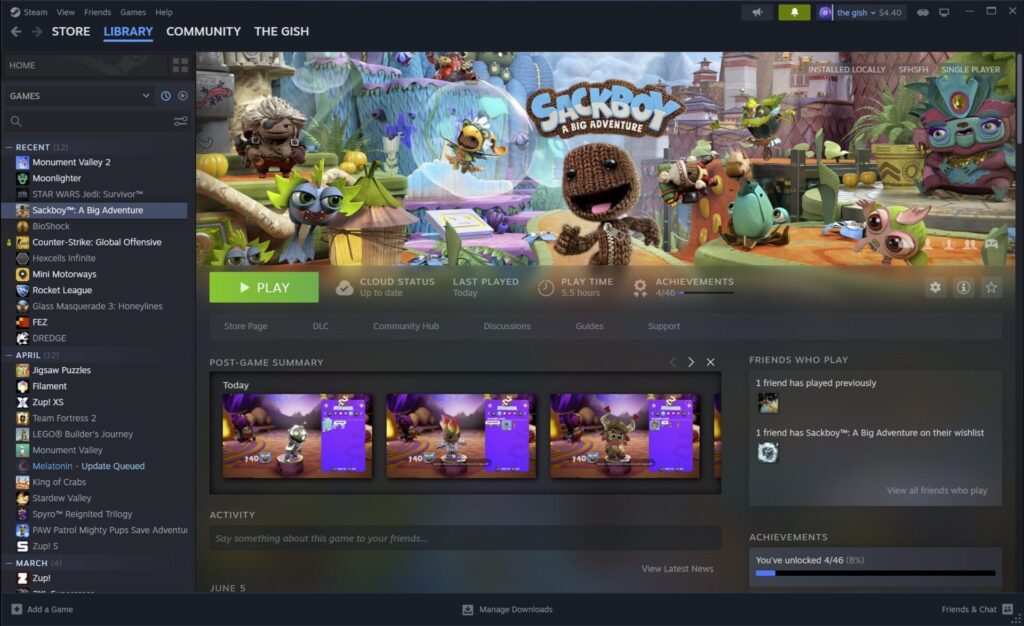
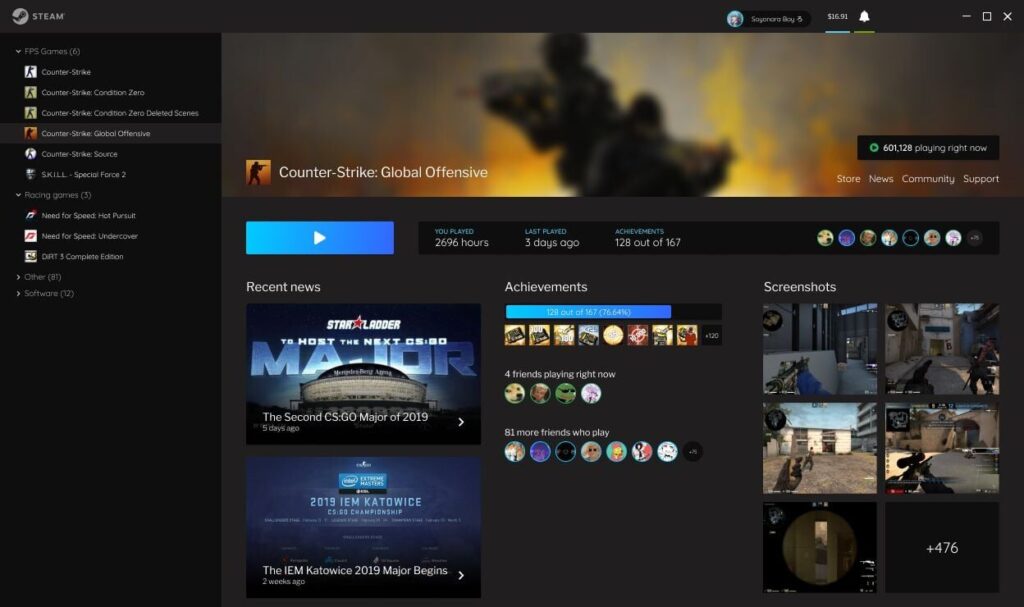
You can access all the games you have acquired with your Steam account from the “Library” tab. From here:
- You can launch games
- You can check for updates
- You can view your game statistics
- You can install mods (in games supported by Steam Workshop)
KEY FEATURES OF STEAM
| Feature | Description |
|---|---|
| Steam Sales | Seasonal campaigns like Winter, Summer, Black Friday |
| Steam Workshop | You can download and install player mods |
| Community Hubs | Guides, discussion forums, screenshots |
| Steam Cloud | Backs up your game saves in the cloud |
| Friends List | Allows you to communicate with other players |
| Steam Guard | Protects your account with two-factor authentication |
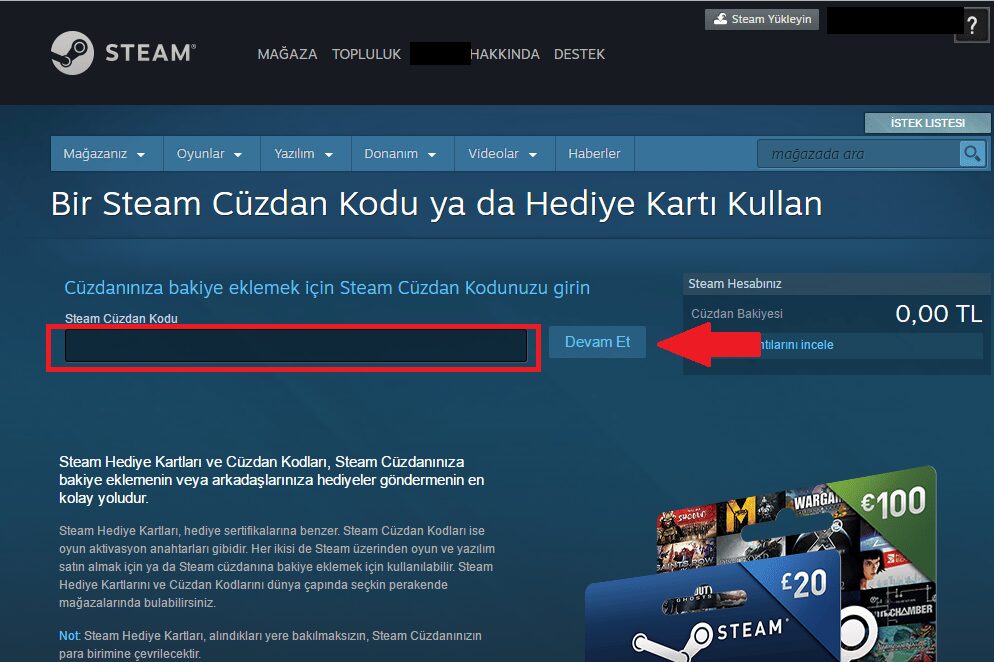
WHAT IS STEAM WALLET?
Steam Wallet is a feature that allows you to purchase games or content by loading balance to your account. The balance can be loaded with credit/debit card or physical Steam Wallet codes. This feature provides convenience especially for internet cafe users and young gamers.
WILL MY COMPUTER BE ABLE TO RUN STEAM GAMES?
Each game’s Steam store page includes minimum and recommended system requirements. By checking if your computer meets these requirements, you can find out if you can comfortably play the game.
FAQ
Is Steam free?
Yes. Creating a Steam account, browsing games, and playing free games are completely free.
Can I use Steam on multiple computers?
Yes. You can log in on different computers with the same account, but you can only play games on one device at a time.
If I delete games, can I redownload them?
Yes. Games added to your library are permanent and can be redownloaded anytime.
CONCLUSION
Steam is one of the indispensable platforms of the digital gaming world. It allows you to buy games, access free content, play with friends, and install mods all from one place. Whether you are a beginner or an experienced gamer, with Steam, you can easily step into the gaming world and have a fun and accessible experience.
