

Don’t settle for ordinary settings in LoL! Learn the 7 secret settings preferred by professional players, improve your reflexes, and surprise your opponents.
League of Legends (LoL) is won not only with good reflexes and macro play but also with the right settings choices. Some ‘secret’ settings frequently used by high ELO players and professionals may be pushing you into the background without you realizing it. In this article, we thoroughly examine 7 secret settings that will take your in-game experience to the next level and why they are important.
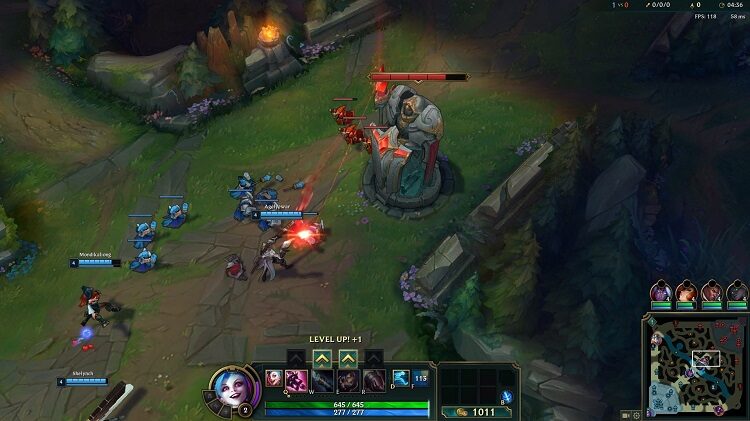
⚙️ 1. TURN OFF CAMERA FOLLOW – USE FREE CAMERA
Why Important?
Locked camera reduces your environmental awareness. It creates a significant disadvantage especially during ganks or team fight moments.
How to Adjust?
- Settings > Camera > Disable the ‘Champion Lock’ option.
- Use the ‘Space’ key for manual centering.
Advantage:
Your map control increases, your field of vision widens. Most professional players use this setting.
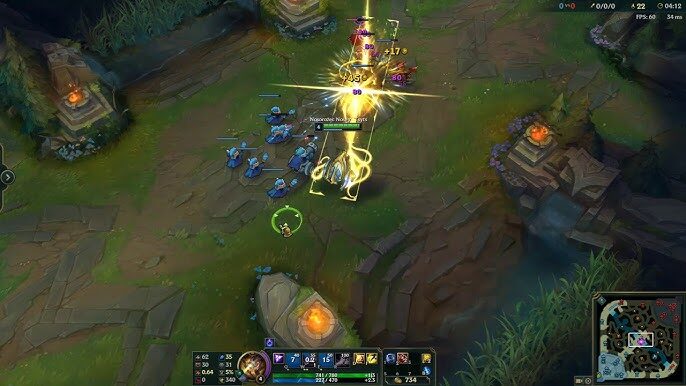
🗡️ 2. SET ATTACK MOVE BUTTON (ATTACK MOVE)
Why Important?
It provides great convenience, especially for ADCs when kiting. It prevents you from accidentally attacking minions instead of enemies.
How to Adjust?
- Settings > Shortcuts > Assign the ‘Attack Move’ button (A, Shift+Left Click recommended).
Advantage:
More accurate attacks and comfortable kiting.
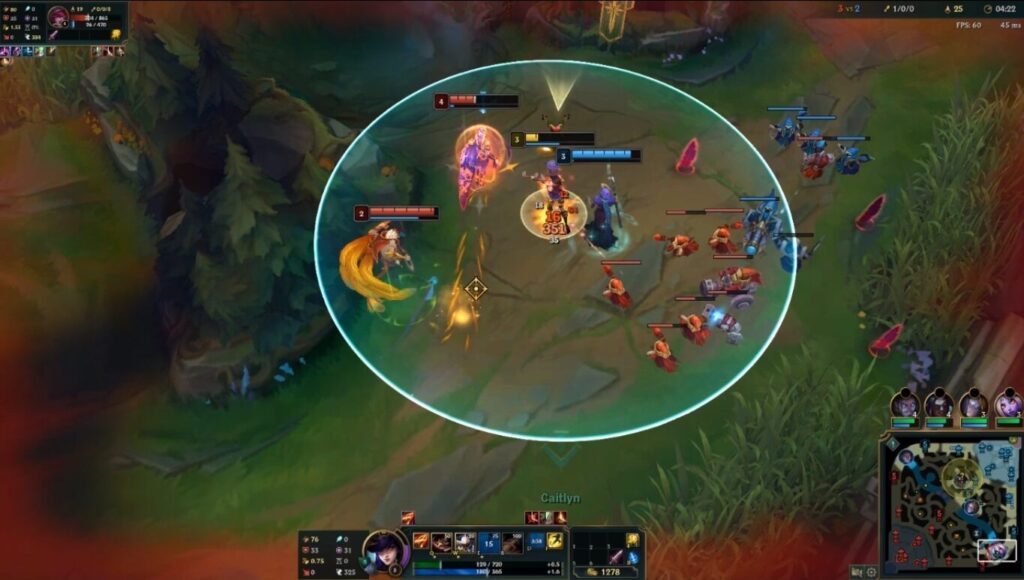
⛽ 3. INCREASE MINIMAP VISIBILITY
Why Important?
The larger and more prominent the minimap, the faster you can analyze ganks and team positions.
How to Adjust?
- Settings > Interface > Increase the minimap size in the 70-100% range.
- Activate the ‘Close Camera Movement with Minimap Clicks’ option.
Advantage:
Your strategic decision-making time shortens, you react faster to dangers.

⚡ 4. ADD SMART CAST TO ABILITIES
Why Important?
Enables quick ability usage without wasting time. It provides an advantage, especially in moments requiring reflexes.
How to Adjust?
- Settings > Shortcuts > Set Q, W, E, R keys as ‘Smart Cast’.
- You can also add the ‘Show Range Indicators with Smart Cast’ option.
Advantage:
By directly applying abilities without targeting, you stay one step ahead of your opponent.

🔊 5. PERSONALIZE PING SOUNDS
Why Important?
Ping alerts are sometimes not noticed visually. You won’t miss important notifications with audible alerts.
How to Adjust?
- Settings > Sound > Increase Ping sounds.
- Block spam pings with the ‘Only Team Pings’ option.
Advantage:
Retreat, call for help, or jungle ambush alerts become more effective.
🏰 6. DISABLE TOWER ATTACK ASSIST
Why Important?
The default setting slows down the champion’s movement under the tower. This increases the risk of death in tower dive exchanges.
How to Adjust?
- Settings > Game > ‘Tower Dive Assist’ should be turned off.
Advantage:
You can cut off the opponent under the tower with more flexible movement and safely retreat.

🎯 7. ENABLE TARGET CHAMPIONS ONLY
Why Important?
It becomes harder to focus on the enemy among minions. Especially in tower dive battles, mistargeting can result in death.
How to Adjust?
- Settings > Game > Assign the ‘Target Champions Only’ button (default: ~).
Advantage:
Focusing on the opponent becomes easier, reducing the risk of accidentally attacking minions.

🎁 BONUS: SAME GAMEPLAY EVERYWHERE WITH SETTING PROFILE RECORD
How to Do?
Client > Settings > Setting Profile > ‘Save to Cloud’
This way, you can use your settings exactly even on different computers.
✅ OPTIMIZE YOUR SETTINGS, Level Up Your Game!
Success in LoL is not limited to in-game moves only. Well-configured settings are crucial for efficiently using reflexes and gaining strategic advantages. With the 7 secret settings shared in this article, you can achieve a more controlled and professional experience both in solo queue and team matches. Apply these settings now and see the difference with your own eyes!
