
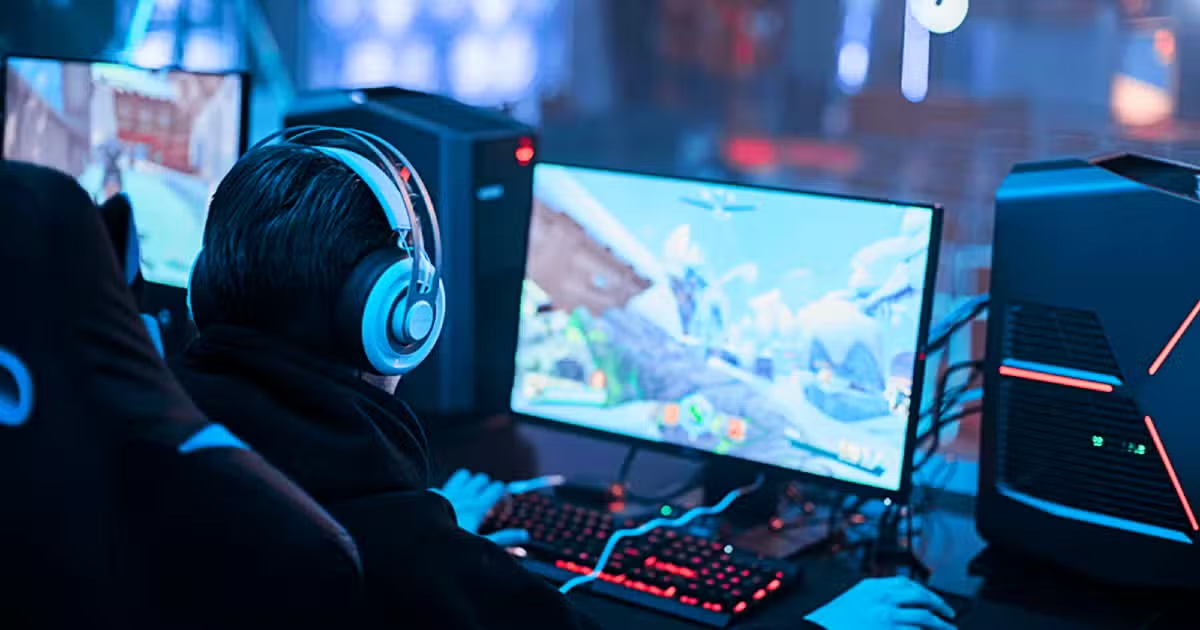
Reaction time is the secret key to success in competitive games. So, what equipment settings should you make and what habits should you develop to react faster while playing games? Here are all the ways that will shorten your reaction time by milliseconds!
In competitive games, the critical factor underlying all the 1v1s won by milliseconds or battles lost… is reaction time. Regardless of FPS, MOBA, or battle royale, speeding up your reaction time directly affects your in-game success.
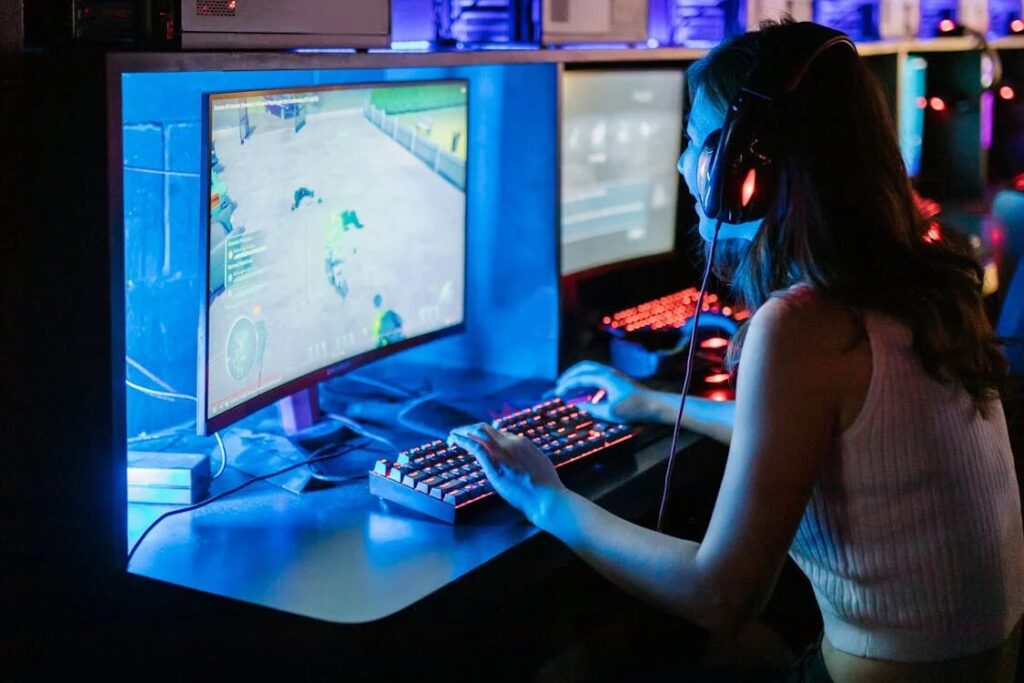
Professional e-sports players improve these reflexes not only with natural talent but also with correct equipment, optimization, training, and lifestyle adjustments. In this guide, we explain step by step the most effective ways to help you react faster while playing games. ⚡
🚀 8 Ways to Improve Reaction Time in Games
1️⃣ Monitor Selection and Display Settings 🎯
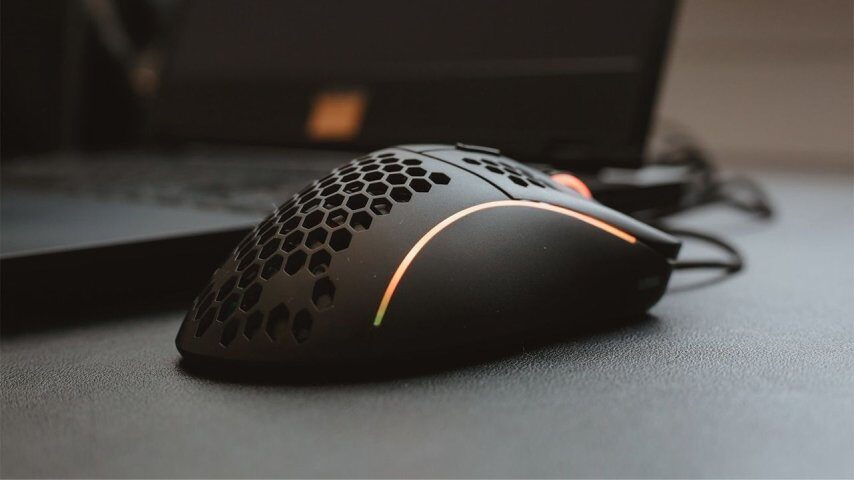
If your monitor is slow, your reflexes go to waste. To eliminate the delay you see:
- Refresh Rate: Opt for monitors with 144Hz and above
- Response Time: Screens with 1ms minimize delay
- Low Input Lag: Game mode should be on
- G-Sync / FreeSync: Prevents screen tearing
⛾ Note: Opt for low-latency monitors optimized for gaming instead of TVs.
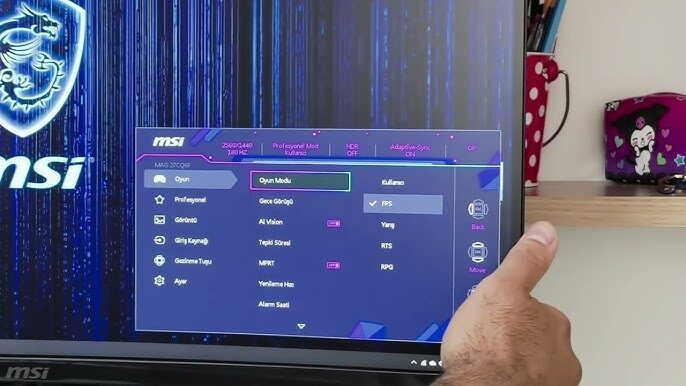
2️⃣ Optimize Mouse Settings 🖱️
Aiming precisely is also related to mouse sensitivity.
- DPI Setting: 800 DPI is preferred by most professionals
- Polling Rate: Use the 1000Hz setting
- Windows Acceleration: ‘Enhance pointer precision’ option should be off
- Mousepad: Smooth and wide surfaces provide better performance
🎯 Tip: Use the same DPI setting for each game for consistent hand habits.
3️⃣ Practice for Eye-Hand Coordination 👀✋
Reaction time improves not only with equipment but also with physical training.
- Use software like Aim Lab / KovaaK’s
- Measure your performance with online reflex tests
- Practice 15-minute flick and tracking exercises daily
📈 Regular training can increase your game reflexes by up to 20%.
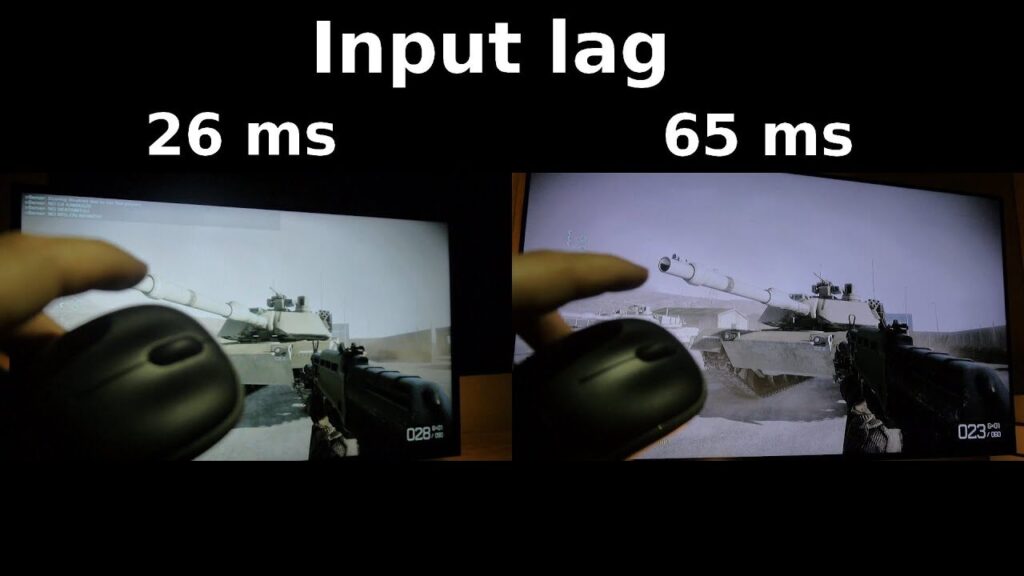
4️⃣ System Settings to Reduce Input Lag ⚙️
System delays can nullify your reaction. Make the following settings:
- V-Sync should be off
- Enable Windows Game Mode
- Close background applications (Discord overlay, browsers)
- Ensure lag-free connection using Ethernet cable
📶 Wi-Fi can cause connection issues, especially in competitive games.
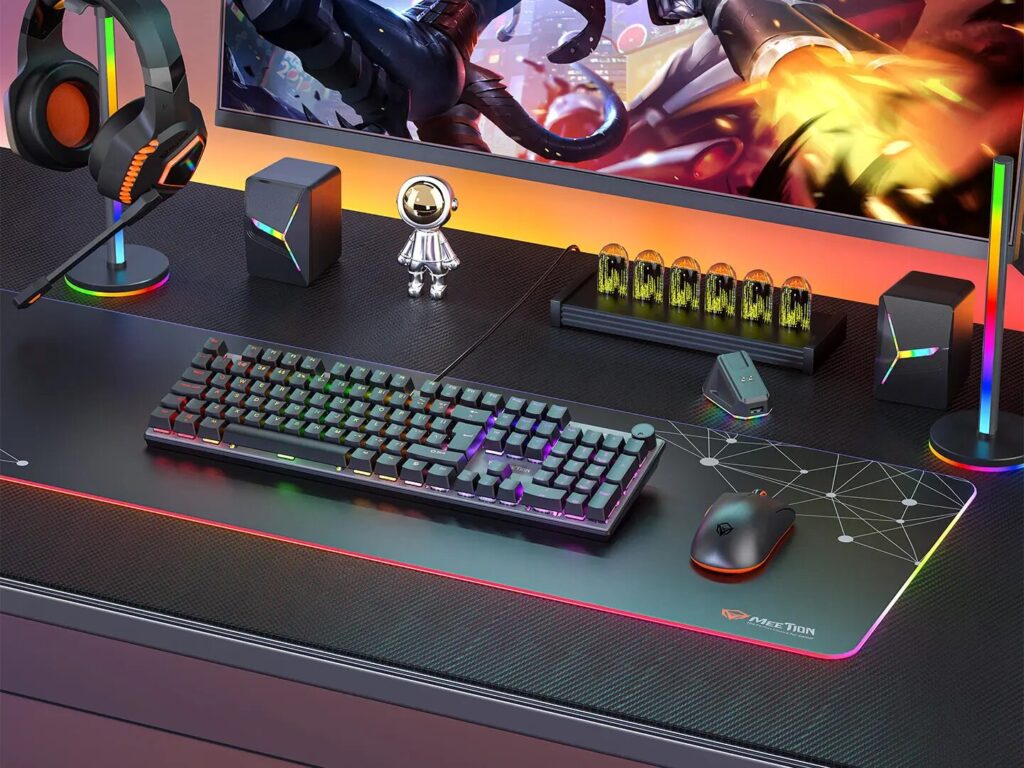
5️⃣ Keyboard – Mouse Position Ergonomics ⌨️🖱️
As important as hardware, the correct position is crucial.
- Wrists should be straight, elbows at 90 degrees
- Mouse should be positioned close to the body
- WASD area should be easily accessible
- Wide range of motion is essential, especially for low DPI
🪑 Correct sitting posture enhances your long-term gaming performance.
6️⃣ Review Your Lifestyle Habits 🧠💪
Reflexes improve not only with gaming but also with mental and physical health.
- At least 7 hours of sleep
- Support yourself with coffee or green tea before gaming
- Omega-3, B vitamin supplements
- Ensure adequate water intake to prevent dehydration
🍎 Healthy living is the strongest supporter of quick reflexes.
7️⃣ Accelerate Reactions with Headphone Sound Training 🎧
Train your ears as well as your eyes for reflexes!
- 7.1 Surround headphones provide a significant advantage in determining sound direction
- Sound training habit makes a difference, especially in FPS genres
- Reduce unnecessary sounds and highlight critical ones like footsteps/gunshots
🔊 Sound-based reflexes significantly increase in-game awareness.
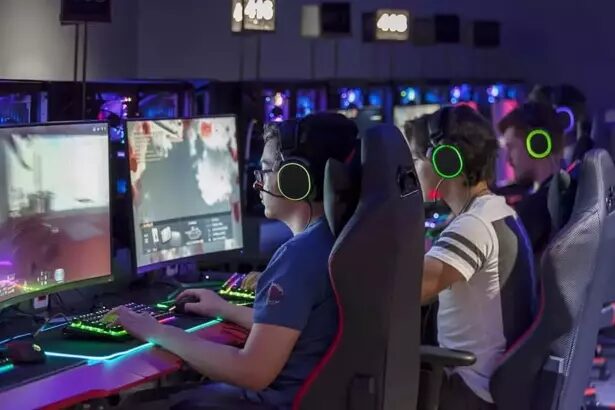
8️⃣ Mental Focus and Training Routines 🧘♂️
Mental fatigue is the enemy of reflexes. To be ready for the game:
- Engage in 20-minute aiming training daily
- Play in sessions shorter than 3 hours
- Take short breaks when your focus is distracted
- Focus with pre-game breathing exercises
🧩 Mental clarity is indispensable for quick reactions.
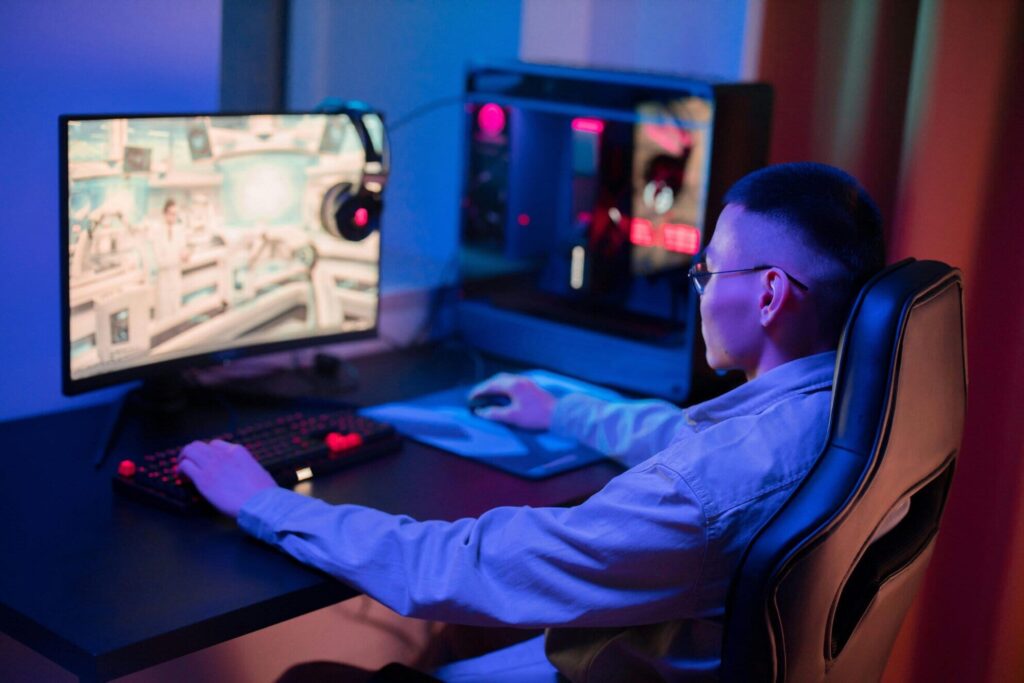
⛾ Quick Reaction is Not Talent, It’s Discipline
If you want to react faster, don’t rely solely on your reflexes. By applying the settings mentioned in this guide, optimize your gaming system, and improve your mental and physical condition.
🎯 Remember: With these steps, you can create a noticeable performance difference not only in FPS but also in games like LoL, Valorant, CS2, Apex Legends, Dota 2!
