
Every video you watch on Facebook is recorded, which affects both your privacy and recommendation algorithms. With the updated Facebook interface in 2025, clearing your watch history has become much easier. Here is a step-by-step guide to deleting your Facebook watch history!
Facebook records every video, live stream, and Reels content you watch to provide you with more personalized recommendations. However, this can sometimes create privacy issues or lead to a feed filled with irrelevant suggestions. Especially with Facebook’s new privacy features in 2025, regularly clearing your watch history has become much more important.
In this guide, we will answer the questions: What is Facebook watch history, why should it be cleared, and how to delete it on all devices in 2025?

What is Facebook Watch History?
Facebook watch history is a list of all the videos you have watched on the platform. This list includes:
- Videos watched from friends and pages
- Facebook Reels content
- Live streams (real-time or replay)
- Exclusive content from Facebook Watch
- Videos embedded in posts and comments
Facebook uses this history to personalize your recommendations, show targeted ads, and improve content algorithms.
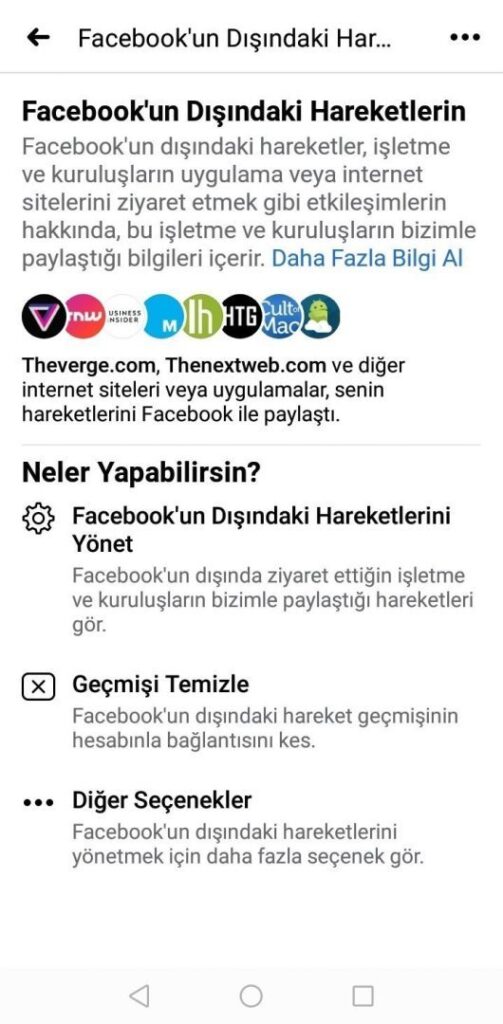
Why Should You Clear Your Facebook Watch History?
- Privacy Protection
People who have access to your device can see your viewing habits. Clearing the history protects your personal data. - ♻️ Resetting the Algorithm
If you see irrelevant videos in your feed due to content you accidentally watched, clearing the history resets the algorithm. - Reducing Digital Clutter
A watch history that hasn’t been cleared for a long time can accumulate and lead to confusion. - Getting Rid of Odd Suggestions
A video you accidentally opened can lead to similar content being suggested for weeks. - Data Minimization
In the privacy-focused digital world of 2025, reducing the data platforms hold about you is of great importance.
2025 Updated Guide to Deleting Facebook Watch History (Step by Step)
Step 1: Log in to your Facebook account.
Step 2: Tap the ☰ (hamburger menu) icon in the top right corner.
Step 3: Open the Settings & Privacy option.
Step 4: Select Settings from the menu that appears.
Step 5: Go to the Activity Log section.
Step 6: From here, open the Watched Videos tab.
Step 7: Tap the “Clear Video Watch History” button.
Step 8: Complete the process by confirming with CLEAR in the confirmation window.
It’s that simple! Your watch history will now be completely cleared.

Common Issues and Solutions
❌ Issue 1: History still appears despite deletion
✔️ Solution: Close and reopen the app or clear the browser cache.
❌ Issue 2: “Delete History” button is not visible
✔️ Solution: Update your Facebook app, try from a different device.
❌ Issue 3: Deleted videos reappear
✔️ Solution: Log out of all sessions, clear the cache, log back in.
In 2025, clearing your Facebook watch history is one of the easiest ways to protect your privacy, reset the algorithm, and have a healthier digital experience. Regular cleaning helps you stay protected from curious eyes and reshapes your feed according to your interests.
