
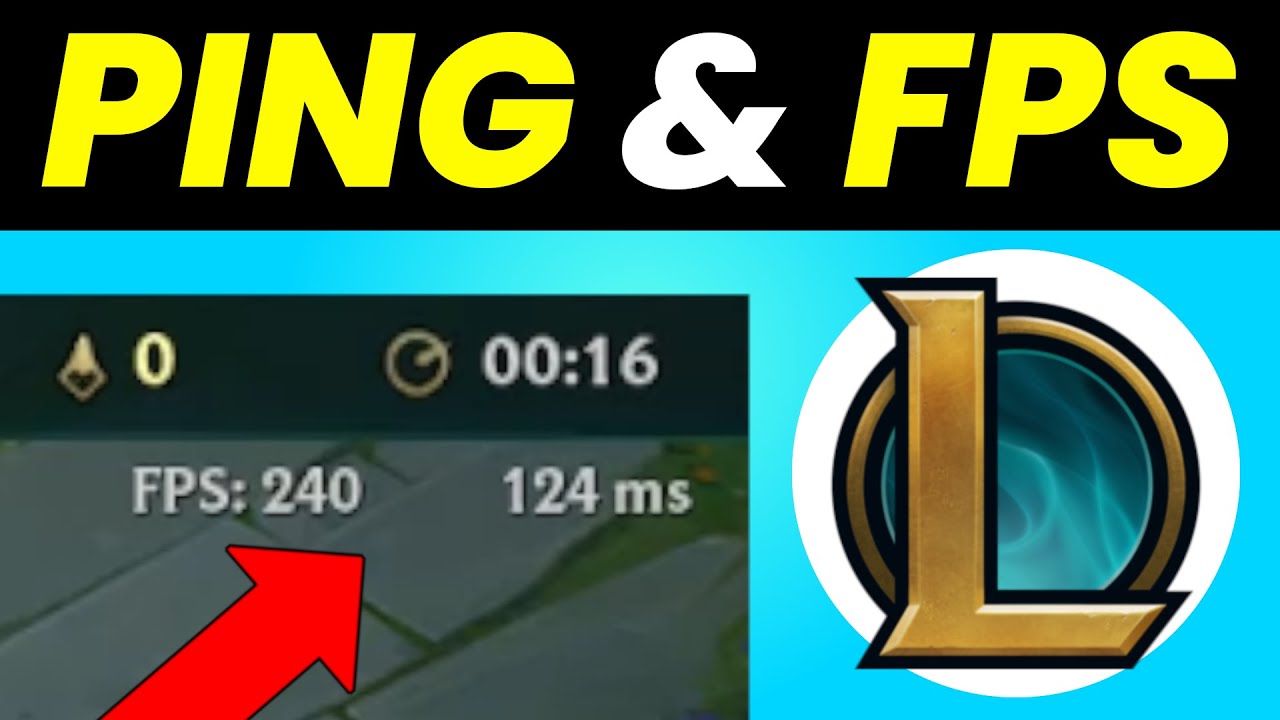
Success in online games is not just about having good hardware; it’s about mastering technical concepts like ping, FPS, and lag. With this guide, everyone from internet cafe users to home gamers can improve their performance!
Playing games is not just about having a powerful computer or a quality internet connection. To have a truly smooth, competitive, and enjoyable experience, it is important to understand terms like ‘Ping,’ ‘FPS,’ and ‘Lag.’ Especially for gamers spending time in internet cafes, these technical details make a difference. In this guide, you will learn step by step what these terms mean, what they do, and how they affect your gaming performance.
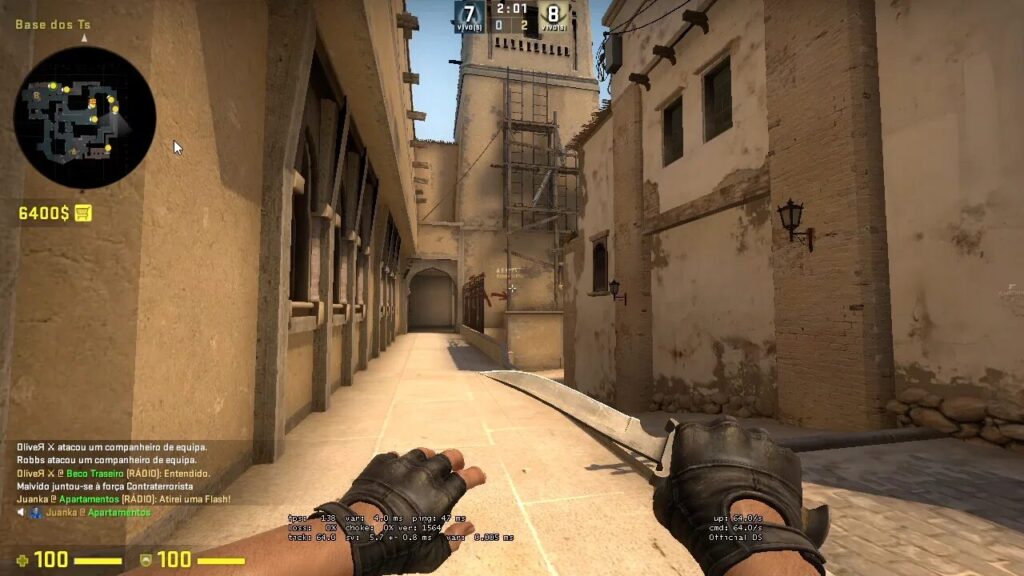
1. What is Ping and Why is it Important?
Ping is the time it takes for a data packet sent from the player’s computer to the game server to reach and return. It is measured in milliseconds (ms). The lower the ping, the faster the response time.
PING VALUES AND MEANINGS:
| Ping Range | Meaning |
|---|---|
| 0 – 50 ms | Excellent connection |
| 50 – 100 ms | Good, sufficient for most games |
| 100 – 200 ms | Medium level |
| 200+ ms | Poor, disrupts the gaming experience |
HIGH PING INDICATORS:
- Delayed response time
- Bullets not reaching the opponent
- Commands being perceived late
- Character freezing or stuttering
2. WHAT IS FPS AND WHY DOES FPS DROP?
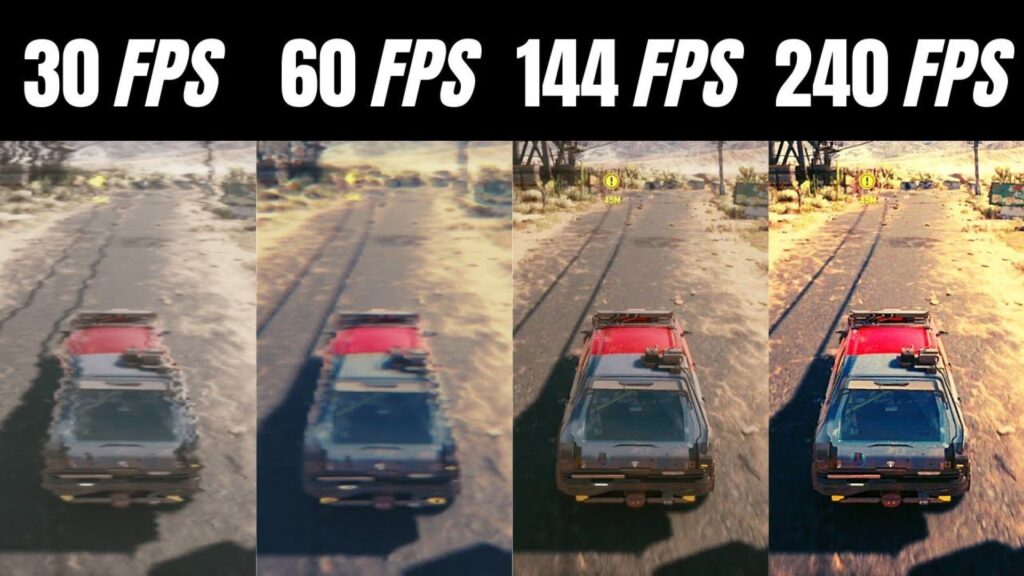
FPS (Frames Per Second) indicates how many frames are displayed per second. The higher the FPS value, the smoother and more responsive the game becomes.
FPS VALUES AND GAMING EXPERIENCE:
| FPS | Meaning |
|---|---|
| 30 FPS | Minimum playable level |
| 60 FPS | Smooth and stable experience |
| 120+ FPS | Ideal for competitive gamers |
LOW FPS INDICATORS:
- Stuttering or freezing in the visuals
- Delayed response on mouse or keyboard
- Difficulty in aiming
- Eye strain, headaches
3. WHAT IS LAG AND WHY DOES IT OCCUR?
Lag is the delay in the game’s response to the player’s commands. It can be caused by low ping or FPS, but that’s not the only reason.
LAG TYPES:
- Network Lag: Delay caused by the internet
- Hardware Lag: Slowdown due to hardware inadequacy
- Input Lag: Delay in recognizing keyboard/mouse commands
CAUSES OF LAG:
- Weak or fluctuating internet connection
- Hardware inadequacy
- Background updates or applications running
- Busy game servers
- Outdated drivers
4. HOW TO REDUCE PING?
- Use a wired connection (Ethernet).
- Close background applications that update.
- Choose a game server geographically close.
- Restart the modem, use an up-to-date model if possible.
- Limit the internet usage of others on the same network.
- Change DNS settings to 1.1.1.1 (Cloudflare) or 8.8.8.8 (Google DNS).
5. HOW TO INCREASE FPS?
- Set in-game graphics settings to medium or low.
- Update your computer’s graphics card and processor drivers.
- Close background applications.
- Set the computer to ‘high performance’ power mode.
- Ensure your cooling system is adequate.
6. HOW TO PREVENT LAG?
- Optimize system performance (remove unnecessary software).
- Keep the system up to date with the latest drivers.
- Run the game in full screen and with the system GPU.
- Lower the resolution if necessary.
- Activate settings like ‘low latency mode’ if available in the game.
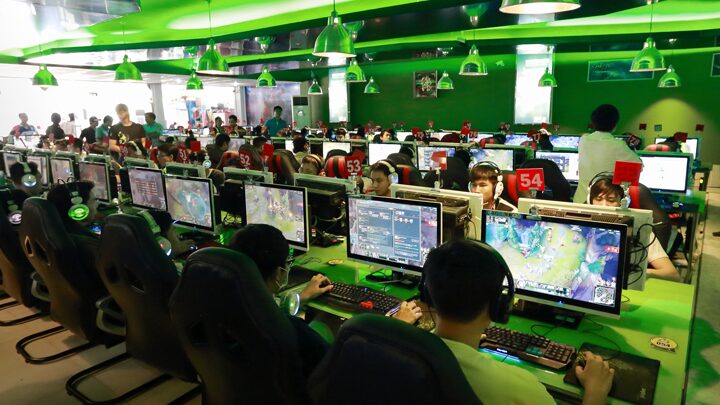
7. EXTRA TIPS FOR INTERNET CAFES
- Prefer a desktop Ethernet connection.
- Close background updates before starting the game.
- Avoid applications that lock the FPS value.
- Optimize game settings each time (e.g., use custom configs for CS2 or Valorant).
INFORMATION = PERFORMANCE
In 2025, for gamers, not only good hardware but also mastery of technical concepts is becoming important. By recognizing and knowing how to improve values like Ping, FPS, and lag, you can take your gaming performance to the next level. Whether you play at home or in an internet cafe, this information will give you an edge!
